
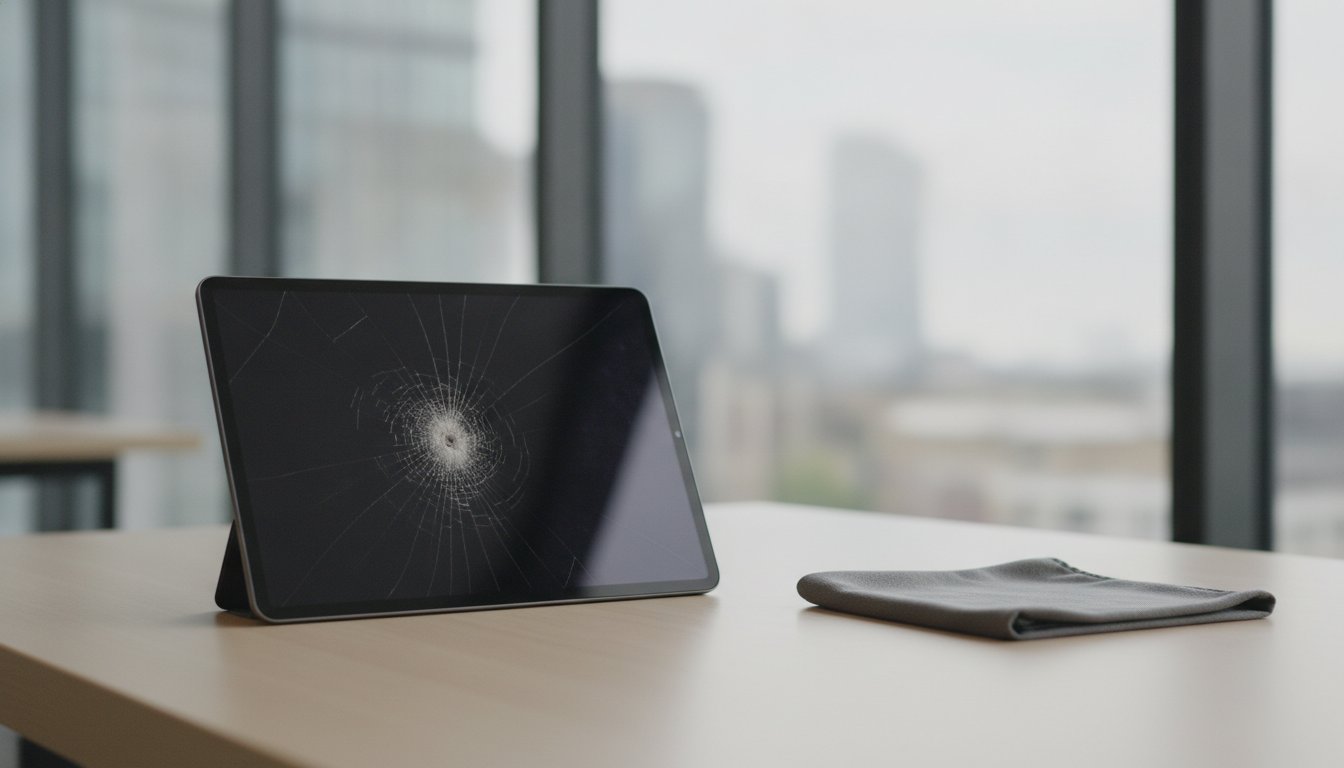
If you drop your iPad, immediately turn off the power, remove any cases, and dry the exterior with a microfiber cloth. This guide on what to do if you drop your ipad explains why you should not plug in the charger or submerge it in rice, and how prompt professional diagnostic testing prevents permanent component failure.
Key Takeaways: Immediately power off your iPad, remove the case, and avoid plugging in a charger to prevent short-circuiting internal components after a drop.
- Professional on-site screen restoration typically takes 2–3 working days to complete at your location.
- Except when the screen is only lightly scratched, avoid DIY fixes to prevent glass fragments.
- Choose certified mobile technicians for repairs to ensure data privacy and avoid shop travel.
- The article highlights that rice and hairdryers fail because they trap moisture and melt adhesives.
What to do if you drop your iPad: your quick guide
Your immediate action determines whether a cracked screen (glass digitiser) becomes a minor fix or an expensive hardware failure. With clients we see that swift handling limits secondary damage to delicate internal components. Damaged glass often leads to display failure if pressed repeatedly.
After a fall, different situations call for different next steps:
- Individual owners in Central London can request on-site repairs at a home, office, or café to avoid travel disruption.
- Schools managing classroom fleets benefit from bulk scheduling so several tablets return to lessons together.
- Travellers who drop a device at Heathrow, Stansted, or Luton need rapid on-site help so breakage is resolved before boarding.
For users outside the mobile call-out area, postal collection can take damaged units and return them within two to three working days. Educational institutions rely on tablets for classroom learning, so coordinated turnarounds keep digital lessons active. More on this: UK-Wide Pick & Drop Phone.
Securing loose glass early stops deeper internal cracks and limits repair cost. On-site visits suit individual owners who need convenience; remote offices often suit a postal route instead.
Tip: Always power off the device instantly to prevent short-circuiting internal logic boards.
Power off first: 5 steps that protect a dropped iPad
Take action straight after your tablet hits the floor so permanent hardware failure is less likely. Treating the device as thin, fragile glass after impact reduces further stress on the logic board.
- Turn off the power. Shutting down the system immediately stops short circuits if internal parts shifted.
- Remove the case. Take off your protective cover carefully to inspect for bending along the aluminum frame.
- Avoid plugging in the charger. Faulty charging port failures can cause electrical shorts if the internal structure is damaged.
- Do not press on a cracked screen. Pushing on shattered glass pushes small fragments into the display panel underneath.
- Book a certified repair. Review what we do to arrange on-site device restoration (fix the iPad) at your home or workplace.
Vetted technicians come directly to your location seven days a week, Monday to Sunday, carrying out repairs in front of you while protecting your data privacy.
Why rice will not dry a wet iPad safely
Placing a device dropped in water (water damage) in uncooked rice fails to stop internal corrosion. Starch dust enters ports while trapped moisture rapidly corrodes delicate internal connectors.
We strongly advise against uncooked grain or domestic heating devices. Dry heat creates immediate risks for modern electronics. Excess temperature weakens cold-press adhesives (pressure-bonded sealants holding the screen to the frame). High temperatures also warp fragile screen layers.
Raw rice leaves a fine powder that mixes with trapped liquid to form a sticky residue. That residue blocks airflow and stops moisture evaporating, so trapped liquid keeps attacking internal components long after the exterior feels dry.
Professional diagnostics fix the iPad (device restoration) correctly. Certified technicians use specialised tools, including a mobile workstation with professional tools and a microscope, to clean circuits safely. We bring these tools directly to your home, workplace or café.
If you need urgent help, arrange iPad repair for assistance across Central London.
Tip: Avoid hairdryers as excess heat melts internal cold-press adhesives and damages screen layers.

DIY screen fixes often deepen the damage
Attempting a DIY repair on a cracked screen often causes further hardware damage, so professional assessment is the safer route for device restoration. In our mobile repair work, microscopic glass fragments frequently puncture internal display layers during home disassembly. Independent attempts usually fail because hidden structural faults need specialised tools to fix the iPad safely.
Situation: For Michael, a resident of Watford WD25, a simple accident caused unexpected screen issues. Solution: Our technician diagnosed OLED damage at his home and replaced the broken panel inside a mobile workshop van. Result: The phone was fully restored with a bright display, smooth touch, no flicker and normal performance in around 20–25 minutes. Prompt professional care avoids secondary internal failures.
For fleet management, corporate on-site repairs help organisations keep device fleets working across London.
| Repair Path | Risk Factor | Average Turnaround |
|---|---|---|
| Home DIY Attempt | High risk of further internal connector damage | Unpredictable |
| iRepairMan Mobile Service | Zero risk with certified technician handling | 20–25 minutes on-site |
| London Workshop Delivery | Fully tested under controlled conditions | 2–3 working days |
Read the paths as separate options: same-day mobile call-out is the on-site route (often about 20–25 minutes at your location), while workshop delivery is a controlled bench route that takes 2–3 working days. Professional intervention preserves data safety and long-term hardware integrity. Home fixes only suit temporary external protection; certified mobile visits resolve complex underlying faults on the spot.
Same-day on-site repair when you need your iPad back in Central London
The practical choice after a drop is whether structural damage still allows careful self-handling or already needs a technician. A mobile workstation saves hours: certified engineers travel to your home, workplace, school, or café instead of you travelling to a shop.
Situation: A Special Educational Needs primary school in Richmond, South West London needed urgent iPad repairs; tablets there support learning, communication, routine, and pupil care. Solution: We completed the work on-site with a fast, discreet workflow that preserved all internal data. Result: Prompt tablet restoration kept daily support structures in place for vulnerable students.
                  +-----------------------------------+
|   DROP IMPACT ON YOUR IPAD        |
+-----------------------------------+
|
+---------------+---------------+
|                               |
Minor Surface Scratches           Broken Glass / No Touch
|                               |
v                               v
[ Self-Handling ]            [ Professional Help ]
Basic case protection         On-site mobile tech visit
A customer testimonial says iRepairMan responded quickly and arranged a same-day iPhone screen and digitizer (cracked screen) replacement. In another case, Jennifer, PA to the boss of a famous jewelry company in Mayfair, urgently booked our mobile service when an iPhone 17 Pro Max screen shattered right before a major meeting. Our engineer arrived promptly, completing the device restoration on-site without exposing sensitive business data.
We operate seven days a week across Central London. Each mobile unit carries micro-soldering tools and a microscope to fix internal connectors safely. An on-site visit keeps busy professionals on a working device without handing data to a shop counter.
Frequently asked questions
What should I do right after my iPad gets wet?
Turn off the device immediately to prevent an electrical short. Wipe away surface liquid using a soft cloth and avoid pressing any buttons. Book an on-site technician who performs component-level expertise (diagnosing and fixing individual electronic internal components) at your home, office or local café.
Is rice a good method to dry a wet iPad?
Uncooked rice does not effectively dry internal parts and introduces dust into your charging port. Trapped moisture inside the casing causes severe internal corrosion over time. Professional cleaning offers a safer solution for your tablet.
Can I use a hairdryer to dry a wet iPad?
Heat from a hairdryer damages internal seals and pushes liquid deeper into the logic board. Air streams can also weaken cold-press adhesives (pressure-bonded sealants holding the screen to the frame). Let the unit dry naturally at room temperature before seeking professional help.
How can I tell if my iPad has water damage?
Common signs include screen flickering, foggy camera lenses, and charging port failures. If your tablet dropped in water (professional equivalent: water damage), internal components can fail without warning. Request a professional inspection at your location to prevent permanent data loss.
Can I restore a wet iPad with iTunes?
Plugging a wet device into a computer can cause a permanent short circuit. You must address physical moisture before running software recovery tools. Certified technicians should inspect your unit, back up your files safely, and perform the necessary device restoration.
Next steps for your dropped tablet
Knowing what to do if you drop your iPad helps you avoid permanent damage: power down, skip rice and heat, and choose professional help when glass fragments or moisture threaten the display and logic board.
The iRepairMan London team fixes your broken glass digitiser on-site. Certified engineers handle device restoration at your home, office, or school across Central London. Verified customer case studies show rapid, same-day repairs that safeguard data privacy.
If your dropped tablet needs fast attention at your home, office, or classroom, book a local repair and request a clear quote. More on this: Same-Day iPad Repairs & STEM.



