
iRepairMan Chronicles · A real repair story
iPhone 17 Pro Max Screen Repair in W4
A shattered screen, a busy CEO’s home office and a same-day visit
from Marty: how an on-site repair helped a West London business
owner get back to work.
Book a repair at your location
Prefer to call?
020 7046 0476
A broken phone can interrupt far more than a few calls. For one
business owner working from his home office in the W4 area of West
London, a badly shattered iPhone 17 Pro Max had made an ordinary
working day much harder. His business projects and day-to-day tasks
depended heavily on the device. The screen still worked to a
limited extent, but the damaged glass made it difficult to use,
and Face ID was no longer working.
This iRepairMan Chronicles story follows Marty’s visit, from the
first explanation of the accident to the final function checks.
The customer and company remain anonymous. The appointment was
booked and completed on the same day, and the repair itself,
including checks, took approximately 25 minutes.
Need help with a damaged iPhone? Request a quote and check appointment availability.

The people, dog and office are artistic representations, not
photographs from the visit. Select the poster to view it full size.
The customer explained that the accident happened as he was getting
out of his car. His phone dropped and became caught against the
driver’s door. The front glass shattered, leaving a valuable work
device in a condition he could no longer comfortably rely on.
He had initially explored an Apple Genius Bar repair. According to
the customer’s account, that option involved a wait of around two
or three days. That was his experience of the option he had
considered, rather than a general statement about Apple’s repair
times. With tasks pending on the phone, he wanted to arrange a
repair that day.
His assistant searched Google for a technician who could come to
the home office and repair the iPhone there. Finding iRepairMan
meant they could request an appointment around the customer’s
working day. The assistant arranged the booking, and Marty
travelled approximately 15 miles in the iRepairMan vehicle to
reach the customer.
Marty brought ten years of experience serving iRepairMan
customers at their locations. For this visit, the customer’s
meeting table became the repair workspace. Books filled the
nearby shelves, while the customer remained at his desk a
short distance away.
The customer did not have to abandon his home office to attend
a repair appointment elsewhere. He could stay nearby, talk
with Marty and see how the work was progressing. This was an
indoor table repair; the service vehicle had brought the
technician and equipment to the appointment.
The accompanying workstation poster introduces iRepairMan’s
wider technical service. It is a general promotional image,
not a record of the tools or procedures used during this
particular visit.

of this customer’s repair.
Before opening the phone, Marty discussed what had happened and
assessed the damaged display. The customer also explained that
Face ID was not working. Marty considered the screen damage as a
possible factor, but the result would need to be checked after
the replacement. A damaged screen and a Face ID fault should not
be treated as an automatic promise that one repair will resolve both.
Once the proposed screen replacement had been discussed, Marty
began carefully opening the device. He removed the lower screws
and worked on the adhesive around the front display. Gloves
helped him handle the shattered glass while he lifted the
damaged screen away.
The small internal shields, screws and connections required careful
handling. Marty preserved the original components needed for the
replacement, including the relevant sensor flex assembly, and
fitted a new soft OLED screen. He then reassembled the phone,
returning the retained components and fixings to their places
before switching it on for testing.
The customer’s curiosity became part of the visit. He repeatedly
came over from his desk to see the inside of the phone and ask
how the work was progressing, then returned to his seat. He was
interested in the repair itself and surprised that this sort of
work could take place at his own meeting table.
There was another friendly visitor, too. The customer’s large dog
kept approaching Marty during the appointment. Marty greeted it
warmly, adding a relaxed, personal detail to a visit that had
begun with a frustrating business interruption. Between stages of
the repair, technician and customer also enjoyed a professional,
friendly conversation about business.
When the new display was fitted, Marty completed the basic function
checks. The replacement screen was working, and Face ID was
specifically tested and confirmed working again. That result
mattered: the customer had reported that Face ID was not
functioning before the work began, and Marty could now demonstrate
that it was working before handing the phone back.
The repair and final checks took approximately 25 minutes. This is
the timing recorded for this individual job, rather than a
guaranteed turnaround for every iPhone. Arrival times and repair
duration depend on the location, damage, required parts and
appointment availability.
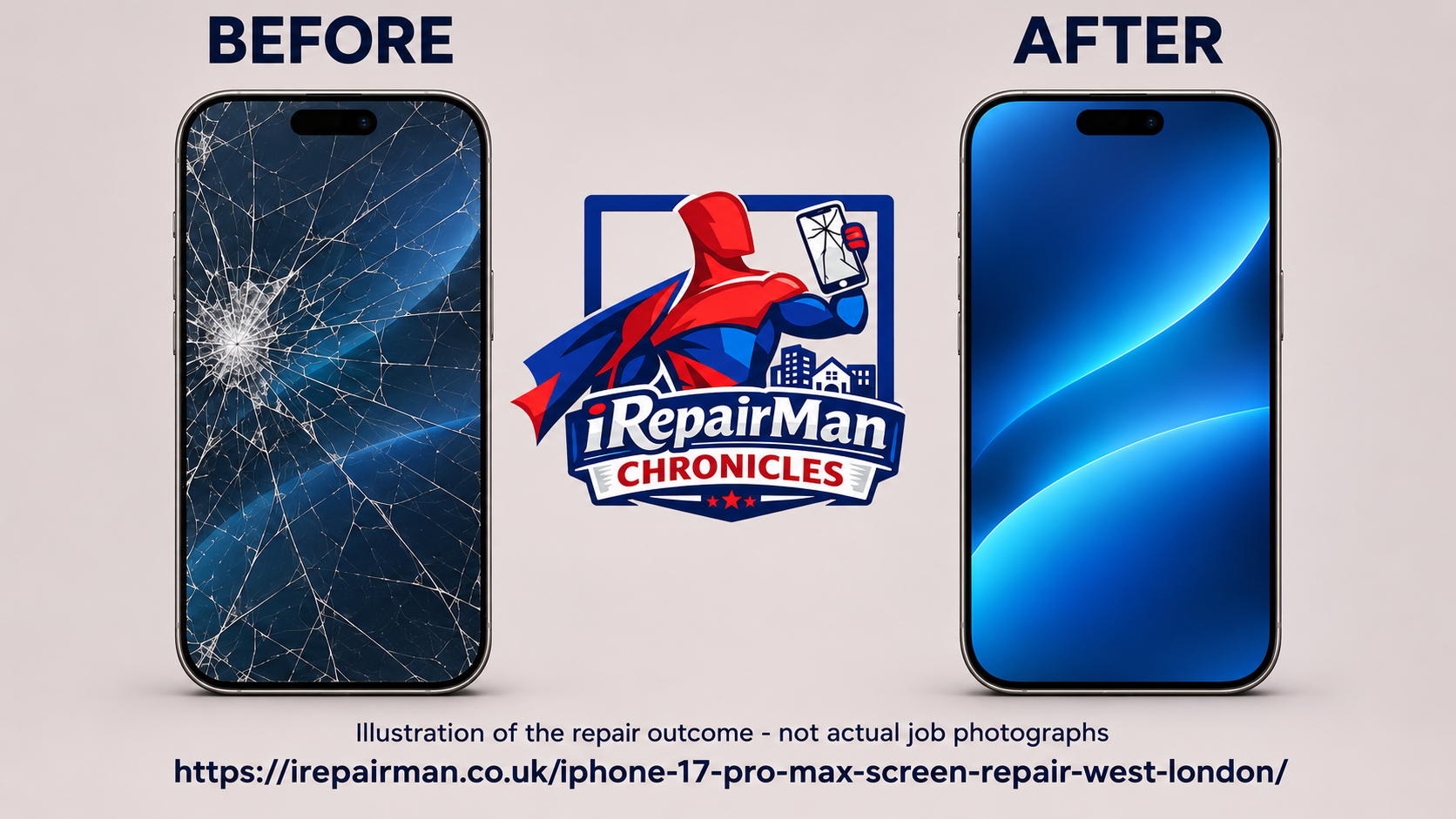
No photographs or video were taken during this appointment.
The customer was delighted. In Marty’s account, he described the
technician as “an angel” and felt that the repaired phone looked
like new again. The practical relief was just as important as the
appearance: the device he depended on for his business was usable
again, without him having to leave his home office.
Before finishing, Marty recommended a good screen protector and a
durable protective case. The customer now had a working display
and functioning Face ID, along with advice to help protect the
phone in everyday use.
That is what made this repair memorable. It combined careful
technical work with an appointment that fitted around a real
person’s working day. A meeting table became a temporary repair
station, a curious dog kept checking on the visitor, and an
interrupted business owner could return to using the phone he needed.
Repair services for homes and businesses
- iPhone screen replacement and display fault assessment.
- Battery replacement and charging fault diagnosis.
- Back glass, camera and audio repair enquiries.
- Liquid-damage assessment and further repair options.
- Business iPhone and iPad repair appointments.
Tell us the model and symptoms when booking so the right repair
route and part availability can be confirmed.
Why an on-site appointment helped this customer
- The technician travelled to the home office.
- A same-day booking avoided a separate store visit.
- The customer stayed nearby while Marty worked.
- The damaged display was replaced and checked.
- Face ID was confirmed working before handover.
For a similar visit,
request a repair appointment
with your preferred location and time.
Chiswick W4, nearby Hammersmith and West London
This story concerns a home-office appointment in the W4 area.
W4 covers Chiswick and neighbouring districts; Hammersmith is
generally associated with W6. We keep the customer’s exact
address private and describe both areas separately when
discussing coverage.
Appointments can be requested around Chiswick High Road,
Turnham Green Terrace, Devonshire Road, Bedford Park, Grove
Park and Gunnersbury, as well as nearby King Street,
Hammersmith Broadway and Ravenscourt Park. Send your full
postcode when booking so the route and available appointment
can be confirmed.
Open the general Chiswick and Hammersmith area in Google Maps.

It does not mark the customer’s address or an iRepairMan branch.
The repair service comes to you
iRepairMan is a mobile repair service. Customers can request
visits to homes, workplaces and other suitable locations,
with the repair arrangement agreed when booking. In this
story, Marty travelled in the service vehicle and carried
out the screen replacement inside the customer’s home office.
The van-and-tools poster illustrates the wider mobile service.
It is not a photograph taken outside this customer’s property.
If you manage business devices, ask about arranging a visit
that fits your working environment and access requirements.

photograph of this visit.
Questions about a home-office iPhone repair
Can an iPhone 17 Pro Max screen be replaced at my home office?
That was the arrangement in this story: Marty used the
customer’s meeting table. Provide your model, damage, postcode
and access details when booking so suitability, replacement
parts and appointment availability can be confirmed.
Will the repair always take 25 minutes?
No. This job took approximately 25 minutes, including final
checks. The time required for another device depends on its
condition, the work needed and the part fitted. Ask for an
estimate for your own repair.
Will replacing the screen also fix Face ID?
Face ID was tested and working after the screen replacement
in this case. That result does not establish the cause of
every Face ID fault or guarantee the same outcome for another
phone. A technician needs to assess the individual device.
What replacement screen was used in this story?
Marty’s account records a soft OLED replacement screen.
Ask about the available part options, features, pricing
and applicable warranty for your specific model when
requesting a quote.
Can I book a same-day appointment in W4 or Hammersmith?
Same-day appointments can be requested, subject to technician
availability, travel and parts. This customer booked and
received the repair on the same day. Use the booking form
to check availability for your postcode.
Are the images actual photographs of this repair?
No. No job photographs or video were taken. The featured
poster and before-and-after comparison are illustrations;
the workstation and van posters describe the general
service, and the map shows the wider area.
Keep your working day moving
Tell us your device model, the fault and your preferred home or
office location. We will confirm the repair options and available
appointment.
iRepairMan Limited · Registered office: 128 City Road, Old Street,
London EC1V 2NX. Administrative correspondence only; no walk-in
repairs or customer visits. Repair booking hours:
Monday–Sunday, 07:00–23:00. This story describes a mobile
appointment, not a W4 branch.